GatorEvals PDF Report
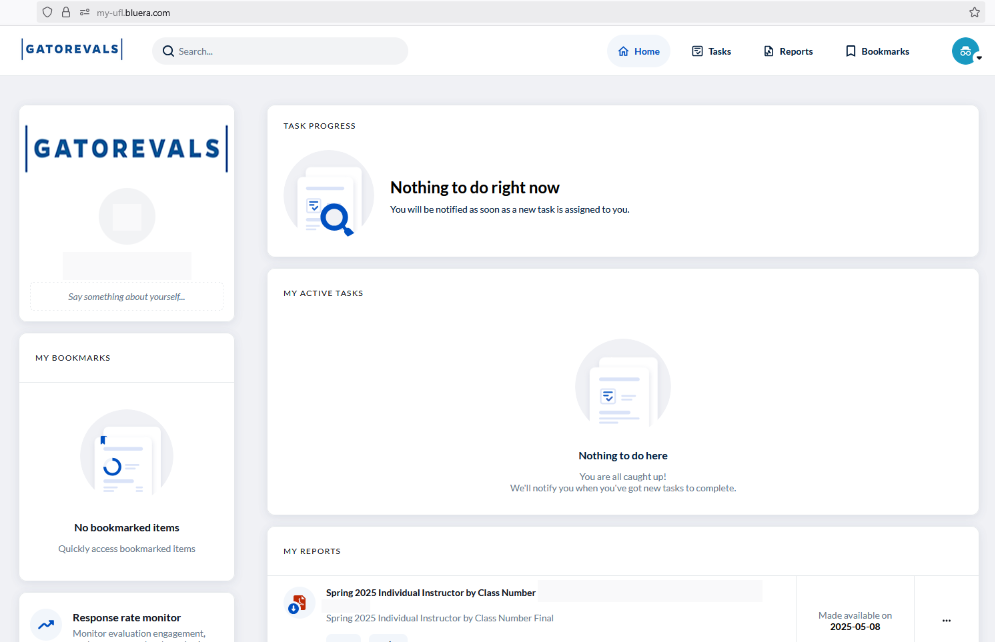
At the end of each term, GatorEvals provides faculty with an auto-generated interim report via their GatorEvals dashboard. By policy, these reports are available to faculty the day after final grades are released to students. Here is an example of a GatorEvals report:
GatorEvals Individual Instructor Aggregated Report Example
Instructor Report Options
- Individual Instructor Aggregated Report
- This report provides a comprehensive, instructor-focused summary of GatorEvals results across all sections of the same course/instructor for the selected term. It includes key summary metrics such as number of responses and response rates to provide context for interpreting results.
- Detailed results are provided for the Student Self-Evaluation (Q1-Q2) questions, the University Core Instructor (Q3–Q8) and Core Course (Q9–Q12) evaluation questions. These include mean scores alongside departmental and college benchmarks, enabling instructors to compare their performance within a broader institutional context. Percentile distributions (percent responding at each rating level), along with summary statistics such as mean, median, and standard deviation, provide deeper insight into response patterns and variability.
- In addition, the report includes open-ended student comments highlighting instructional strengths and areas that contributed to student learning.
- The report also provides curated resources from the Center for Teaching Excellence (CTE), guiding instructors on how to interpret results and access professional development opportunities, consultations, and instructional support services.
- Individual Instructor by Class Number Report
- This report provides the same detailed information as the Individual Instructor Aggregated Report but presents results separately for each class number (section) rather than combining them into a single summary view. Each section is reported independently, allowing instructors to examine student feedback at a more granular, course-specific level.
Faculty can view their GatorEvals reports by logging into their GatorEvals dashboard via https://my-ufl.bluera.com/ opens in a new tab, navigating to the "My Reports" section, and clicking on individual reports.